EagleReels vs IShort: Which Reels Chrome Extension Fits You?
Honest EagleReels vs IShort comparison for 2026—sort by views, multi-account tracking, view growth rate, CSV export, privacy, and free tier limits.

If you search ishort vs eaglereels, you are usually past the "do I need a Reels tool?" stage. Instagram still will not sort a rival's Reels grid by views, export a ranked table, or show which clips are accelerating this week. You are picking between two Instagram Reels analytics Chrome extensions with overlapping features and different workflows.
Both read public Reels data in your browser, both help you sort Reels by views, and both have free tiers with caps. They diverge on single-profile sorting vs. multi-account competitor panels, and on whether view growth rate matters as much as lifetime view count.
EagleReels vs IShort at a glance
| Feature | IShort | EagleReels |
|---|---|---|
| Sort by views | Yes — on the active Reels tab | Yes — plus sort by view growth rate |
| Multi-account workflow | One public profile at a time (tab-by-tab) | Multi-account panel for rival lists |
| Growth rate / momentum | Engagement score, trends on-page | View growth rate between update passes |
| CSV export | Yes — stronger on paid tiers | CSV and HTML report (tiered limits) |
| Privacy (local-first) | Processes data in the browser; ishort.pro emphasizes local analytics | Local storage in-browser; no vendor cloud upload of account lists |
| Free tier limits | Trial-style premium; export and depth caps on free | Caps on tracked accounts and Reels per month on free |
Neither extension replaces Instagram Insights for your own Professional dashboard. Both assume you are logged into Instagram in Chrome and are comfortable analyzing public profiles you can already view.
For a wider tool landscape—including Sort Feed, SuperStats, and native Insights limits—see our free Instagram Reels tracker tools comparison.
What is IShort?
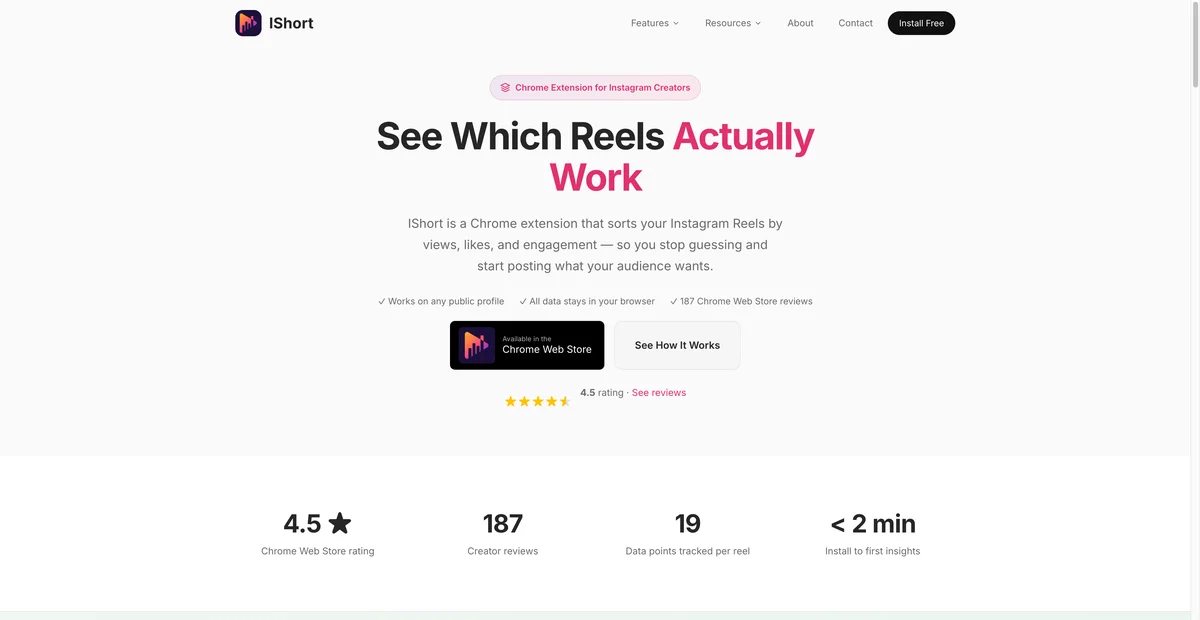
IShort is a Reels-focused Chrome extension built around a simple ritual: open someone's Reels tab, launch the extension, and sort instagram reels by views (or likes, comments, engagement rate, duration, post date, and other columns the product lists).
Typical strengths
- Fast overlay on the profile you are already viewing.
- Rich per-Reel columns for engagement-oriented research.
- Familiar workflow for solo creators auditing one account at a time.
- CSV export for reporting—especially valuable on paid tiers.
Typical limits
- Competitor research scales by opening each rival in turn, not from a persistent multi-account dashboard.
- Free tier export and premium features are capped—confirm current limits on the IShort Chrome Web Store listing before client deliverables.
- Sorting by total views surfaces all-time winners; spotting a Reel that is climbing this week may require manual re-checks unless you build your own spreadsheet history.
IShort fits the narrow question "what are this account's top Reels right now?" For sort keys and alternatives, read Sort Instagram Reels by Views and Growth.
What is EagleReels?
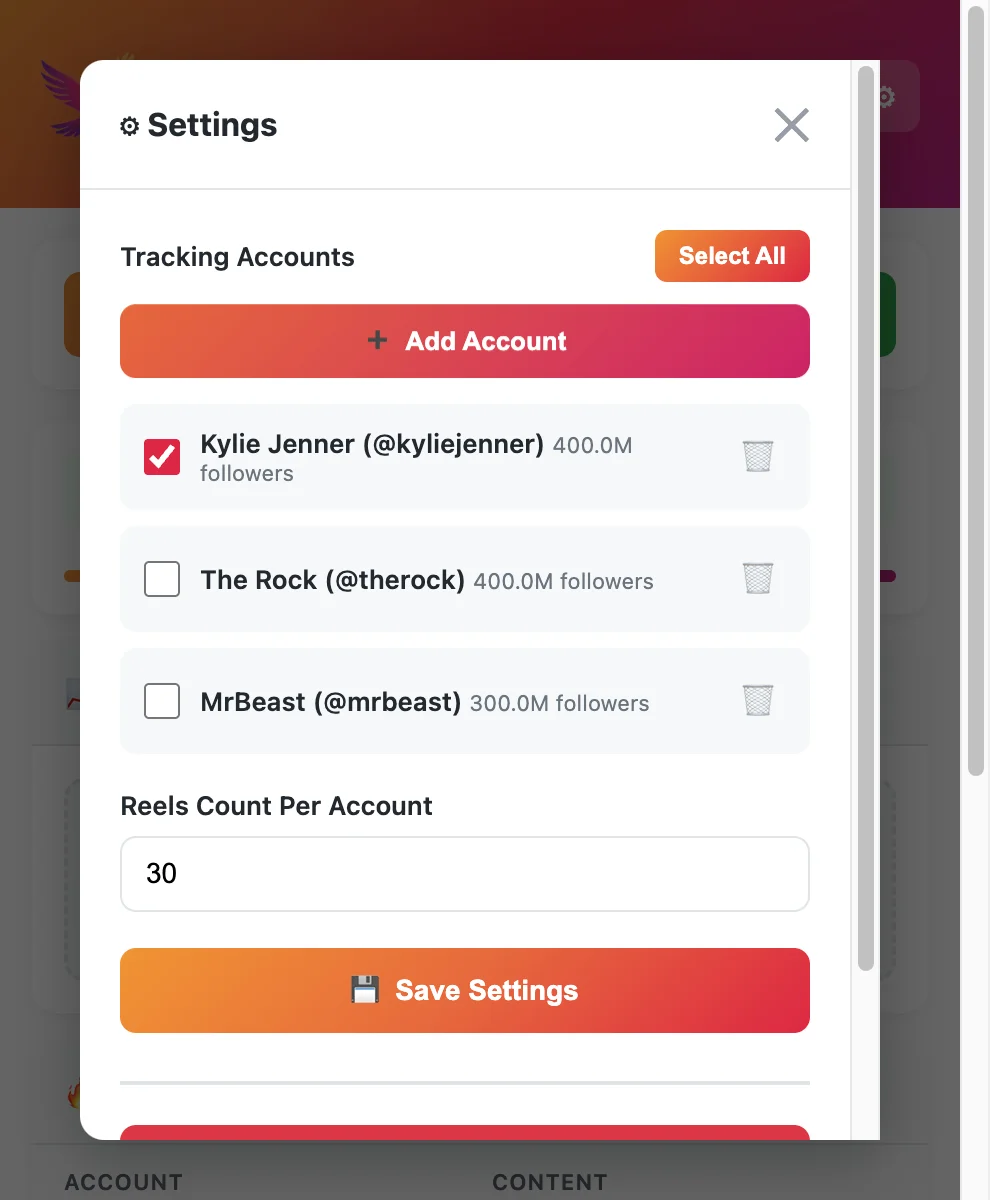
EagleReels is a Reels analytics Chrome extension aimed at competitor monitoring: add multiple public accounts, run an update pass, sort by standard metrics or by view growth rate, and export CSV/HTML for lightweight reporting.
Typical strengths
- Multi-account panel reduces tab-hopping when you track several rivals weekly.
- View growth rate highlights Reels gaining views fastest since the last check—not only the account's historical top clip.
- Local-first storage: competitor lists and captured metrics stay on your device rather than a third-party analytics cloud (product site).
- CSV and HTML exports geared toward agency-style "what changed since Monday" updates.
Typical limits
- Requires an Instagram session in the same browser; reads public pages like other extensions—not Meta's official API.
- Free tier caps how many accounts and Reels you can track; paid tiers expand limits (verify on the site before scaling client work).
- EagleReels is not affiliated with Instagram or Meta.
Feature-by-feature comparison
Sort by views
Both tools answer the most common search intent: rank Reels on a public profile by plays. IShort excels at immediate, on-page sorts while you browse. EagleReels also sorts by views but is often chosen when that sort feeds a standing competitor list you refresh on a schedule.
If views alone drive your decision, test both on the same rival account and compare export columns—not only the top three rows.
Multi-account competitor workflow
| Workflow | IShort | EagleReels |
|---|---|---|
| Monitor 1 rival occasionally | Open Reels tab → sort | Add account → update → sort |
| Monitor 5–10 rivals weekly | Repeat per profile | Panel lists all accounts |
| Handoff to a teammate | CSV per export | CSV/HTML from panel |
IShort's model matches how many creators already research: land on a profile, sort, screenshot or export, move on. EagleReels optimizes for operators who treat competitor Reels like a portfolio—same rivals, repeated updates, comparable growth signals.
View growth rate vs. engagement score
Total views favor old viral hits. View growth rate (EagleReels) compares metrics between your last update and the current one so a mid-sized Reel with steep recent gains can outrank a legacy blockbuster that stalled.
IShort surfaces engagement-oriented scores and trends on the active tab—excellent for creative quality signals. EagleReels emphasizes velocity for trend scouting: "what is winning this week in my niche?"
Use growth-aware sorting when you brief hooks weekly; use engagement-heavy columns when you audit why a specific Reel resonated.
CSV export and reporting
Both support spreadsheet workflows. Practical differences show up in free tier row limits, which columns export, and whether you need HTML reports for client-facing snapshots.
Before promising a client a weekly CSV, run one export on your plan and confirm:
- Maximum Reels per export
- Whether multiple accounts batch in one file
- If exports require a paid tier (IShort historically gates heavier export on premium; EagleReels expands limits on paid tiers)
Privacy and data handling
Browser extensions sit in a sensitive part of your stack. Both IShort and EagleReels market in-browser processing for public Reels metrics rather than asking for your Instagram password inside the extension.
EagleReels leans local-first: competitor lists and captured numbers are stored locally for update comparisons. IShort's privacy positioning also stresses local analytics—read each vendor's policy before installing on a work profile.
General safety practices apply to either tool: install from official store listings, review permissions, and avoid extensions that request unrelated access.
Free tier limits (verify before you commit)
Free tiers change. Treat this table as directional and confirm on each product page before publishing client workflows.
| Limit type | IShort (typical) | EagleReels (typical) |
|---|---|---|
| Premium trial | Often time-boxed trial for advanced features | Free core with expanded paid limits |
| Export | Row/volume caps on free | CSV/HTML caps on free |
| Accounts | Per-session profile workflow | Number of rivals in panel capped on free |
| History | Re-sort on revisit; build your own logs | Update history powers growth rate |
When to pick IShort
Choose IShort if most of these sound like you:
- Single-profile deep dives — You study one creator at a time and want the fastest sort overlay on their Reels tab.
- Engagement-first analysis — You care about likes, comments, and engagement rate columns as much as raw plays.
- Ad hoc research — You do not maintain a fixed rival list; you jump between accounts as inspiration strikes.
- You already use IShort exports — Your spreadsheets and client templates expect IShort column names.
IShort shows up in sort-focused roundups for a reason: it is built for sort Reels by views on whatever public profile you have open.
When to pick EagleReels
Choose EagleReels if most of these sound like you:
- Multi-account competitor monitoring — You track several rivals every week from one panel.
- Momentum over lifetime totals — You need view growth rate to catch breakouts before they peak.
- Local-first privacy — You prefer competitor data staying on your device instead of another analytics cloud.
- Recurring niche audits — Monday/Thursday update rituals matter more than one-off sorts.
- Lightweight agency reporting — CSV/HTML exports support "what rose since last check" client notes.
EagleReels is not a replacement for full social suites; it is a focused instagram reels tracker layer for Reels-tab competitor work.
Note
Run the same public profile through both free tiers for fifteen minutes. Export columns and update friction matter more than a feature checklist on paper.
Side-by-side workflow (same research task)
Imagine you monitor five skincare creators for hook ideas.
IShort-style week
- Open creator A → Reels tab → IShort → sort by views → export if plan allows.
- Repeat for creators B–E.
- Merge CSVs manually or keep separate tabs.
- On return visits, re-sort each profile; note deltas yourself.
EagleReels-style week
- Add creators A–E to the panel once.
- Run Update → sort by view growth rate → export combined report.
- Next visit, update again—growth rate compares against prior capture automatically.
Neither workflow is "wrong." The better fit depends on whether you value speed on one page or repeatable multi-account momentum.
Pricing and who pays for what
Both products are freemium Chrome extensions. IShort commonly uses a trial window for premium depth; EagleReels offers a usable free core with higher caps on paid plans.
| User type | Often starts with | Upgrades when |
|---|---|---|
| Solo creator | IShort or EagleReels free | Export volume or account count exceeds free caps |
| Freelance social strategist | IShort for one-off audits; EagleReels for retainer rival lists | Client reporting needs batch exports |
| In-house content lead | EagleReels panel + Insights for owned Reels | Team needs shared rival roster discipline |
Paid SaaS platforms (Later, Iconosquare, etc.) still win when you need years of owned-account history and formal PDFs—but many Reels researchers stay on extensions until budget or compliance demands a cloud suite.
How this comparison fits the wider tool stack
Neither extension solves scheduling, comment moderation, or follower demographics. Pair them with:
- Instagram Insights for your own Reels distribution and saves.
- A free Reels tracker roundup when you are still shopping categories—see free Instagram Reels tracker tools.
- Sort-by-views playbooks when the team argues about ranking methodology—see sort Instagram Reels by views.
- Growth tactics once you have rival signals—see increase Reels views and Instagram growth strategy 2026.
- Account-wide analytics beyond Reels—see free Instagram analytics tool.
Creators in Instagram Marketing communities often describe extension stacks precisely because copying view counts by hand does not scale past a handful of Reels per week.
FAQ
Frequently Asked Questions
Where to start
IShort vs EagleReels is not a battle of "which extension is best"—it is which weekly ritual you run. Pick IShort when you want the fastest sort on the Reels tab in front of you and rich engagement columns. Pick EagleReels when you maintain a rival list, care about view growth rate, and want local-first multi-account monitoring with CSV/HTML exports.
Run the same public profile through both free tiers for fifteen minutes. Compare export columns, update friction, and whether you need one-off sorts or a standing competitor panel—that trial beats any feature checklist.
EagleReels on the Chrome Web Store — free install, multi-account panel, growth-rate sort.
Last updated: June 5, 2026. EagleReels is not affiliated with Instagram or Meta. Feature limits and pricing on free tiers may change—verify on ishort.pro and eaglereels.kwverdit.com before publishing client workflows.
Related articles:
Ready to track your Instagram Reels performance?
Download EagleReels Chrome extension and start analyzing your Reels today. It's free!
Download EagleReelsRelated Articles

Instagram Reels Competitor Tracker: How to Monitor Rivals in 2026
Learn how an Instagram Reels competitor tracker works—weekly workflow, tools compared, metrics to watch, and alternatives when Competitive Insights is not enough.

Best Chrome Extensions for Instagram Reels Analytics in 2026
Compare the best Chrome extensions for Instagram Reels analytics in 2026—sorting, growth rate, exports, privacy, and which extension fits creators vs. agencies.

How to Spot Viral Reels Before They Peak Using Growth Signals
Learn how to spot viral Reels before they peak—view growth rate, competitor scans, algorithm context, and a weekly workflow using public growth signals.